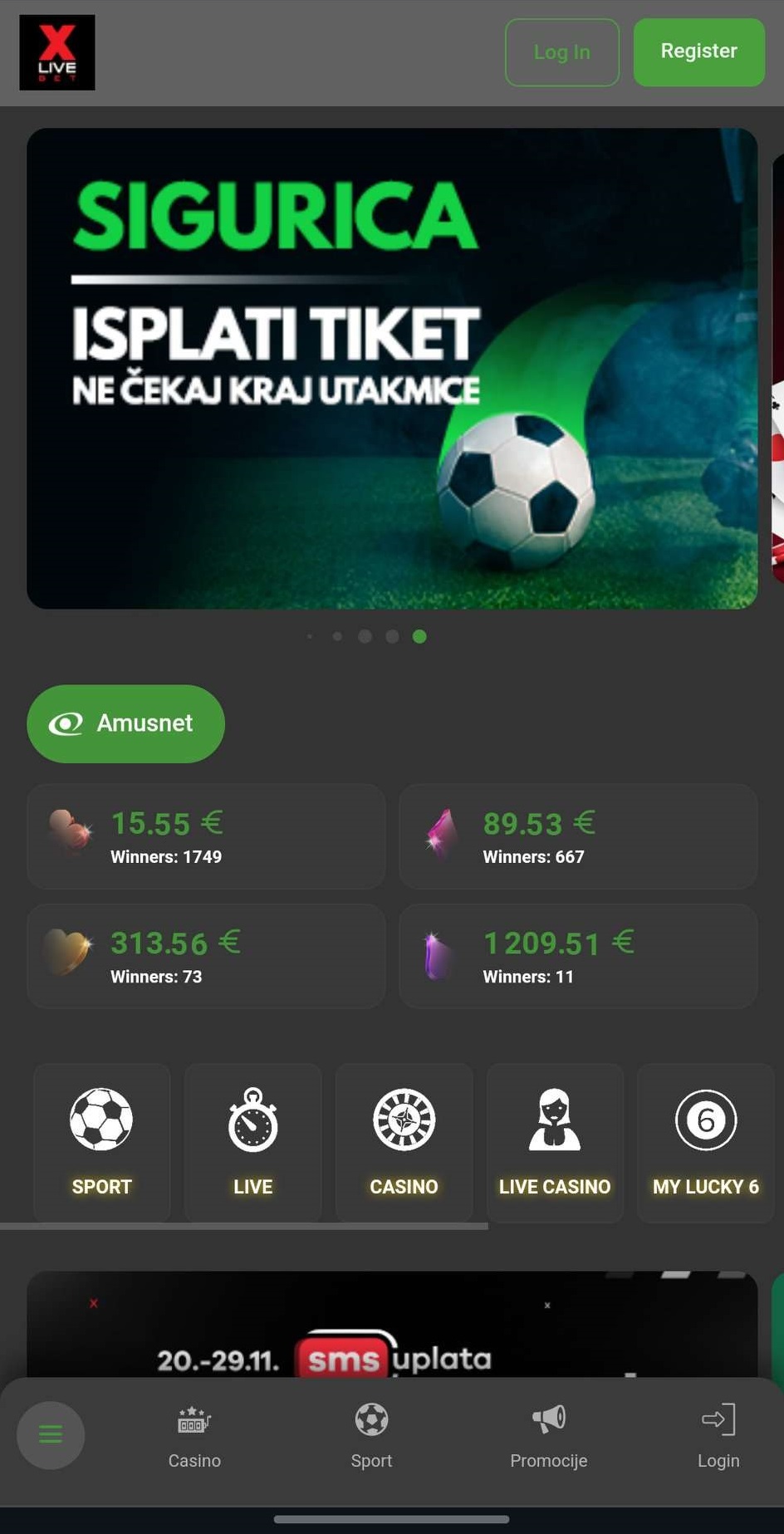
Click on the login button in the upper right corner.
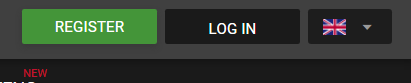
Click the login button in the upper right corner.
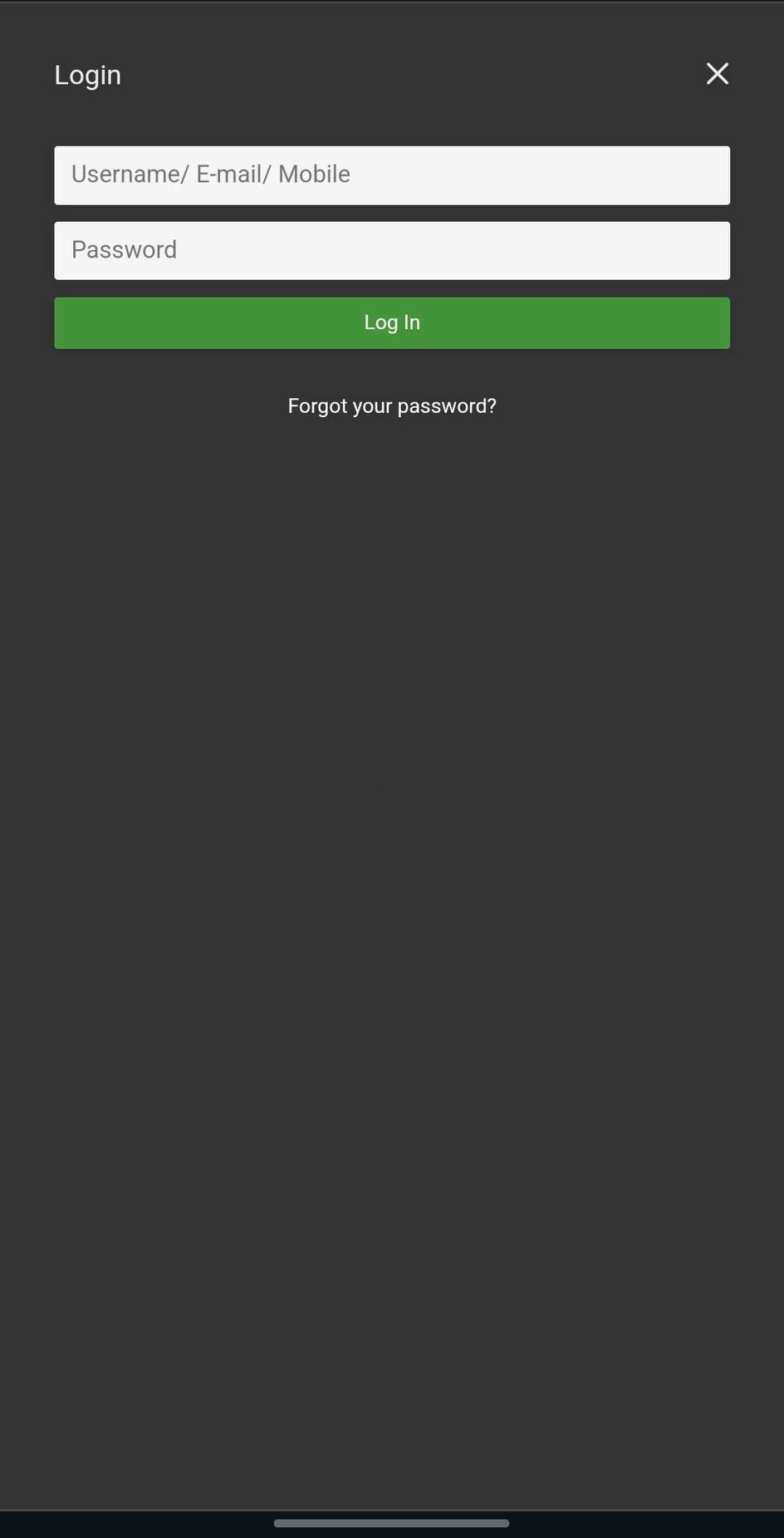
Fill in your information and press "Register".
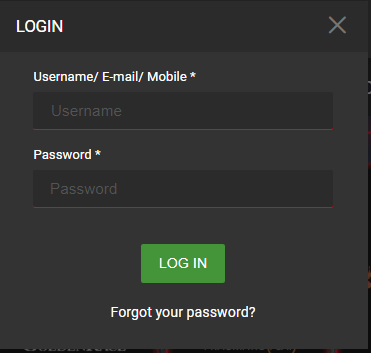
Fill in your information and click "LOG IN".
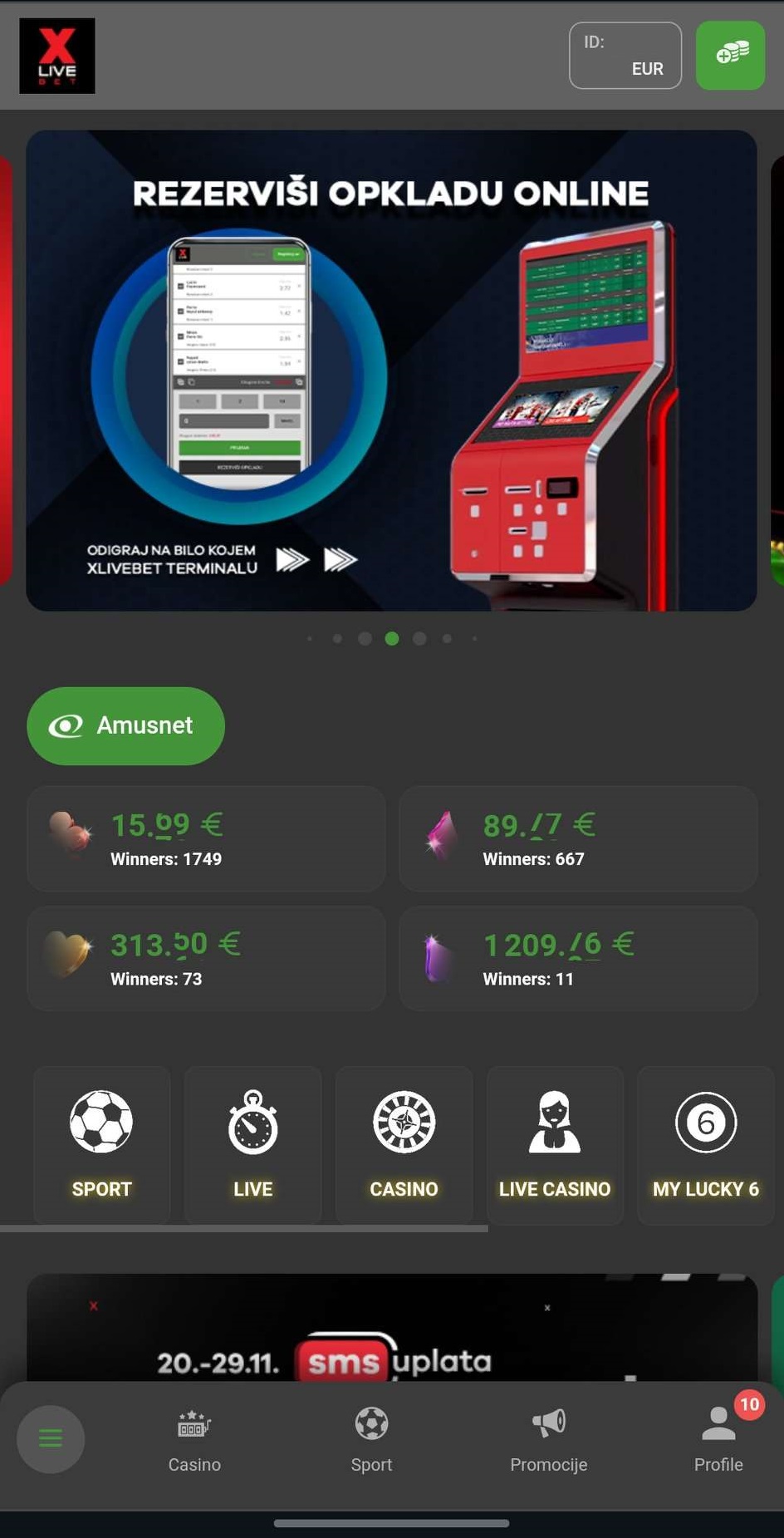
Click on the "Profile" button in the lower right corner.

Click on your ID in the upper right corner.
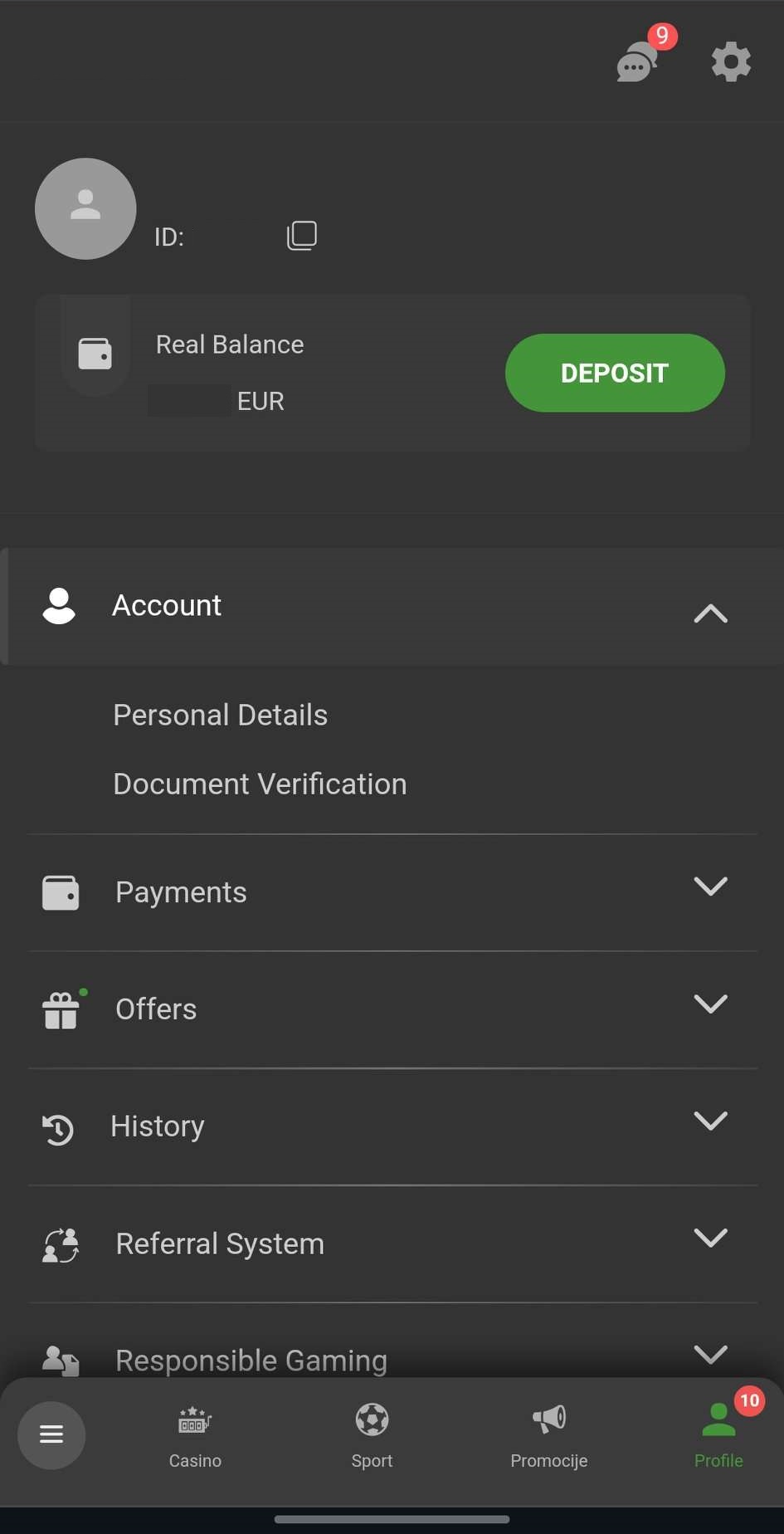
Select the "My Profile" option.
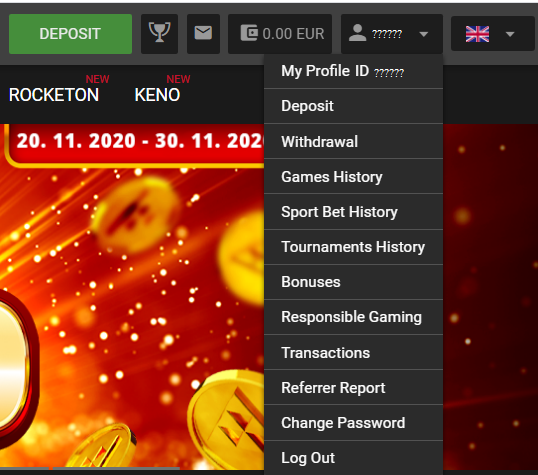
Click on the "My Profile" field.
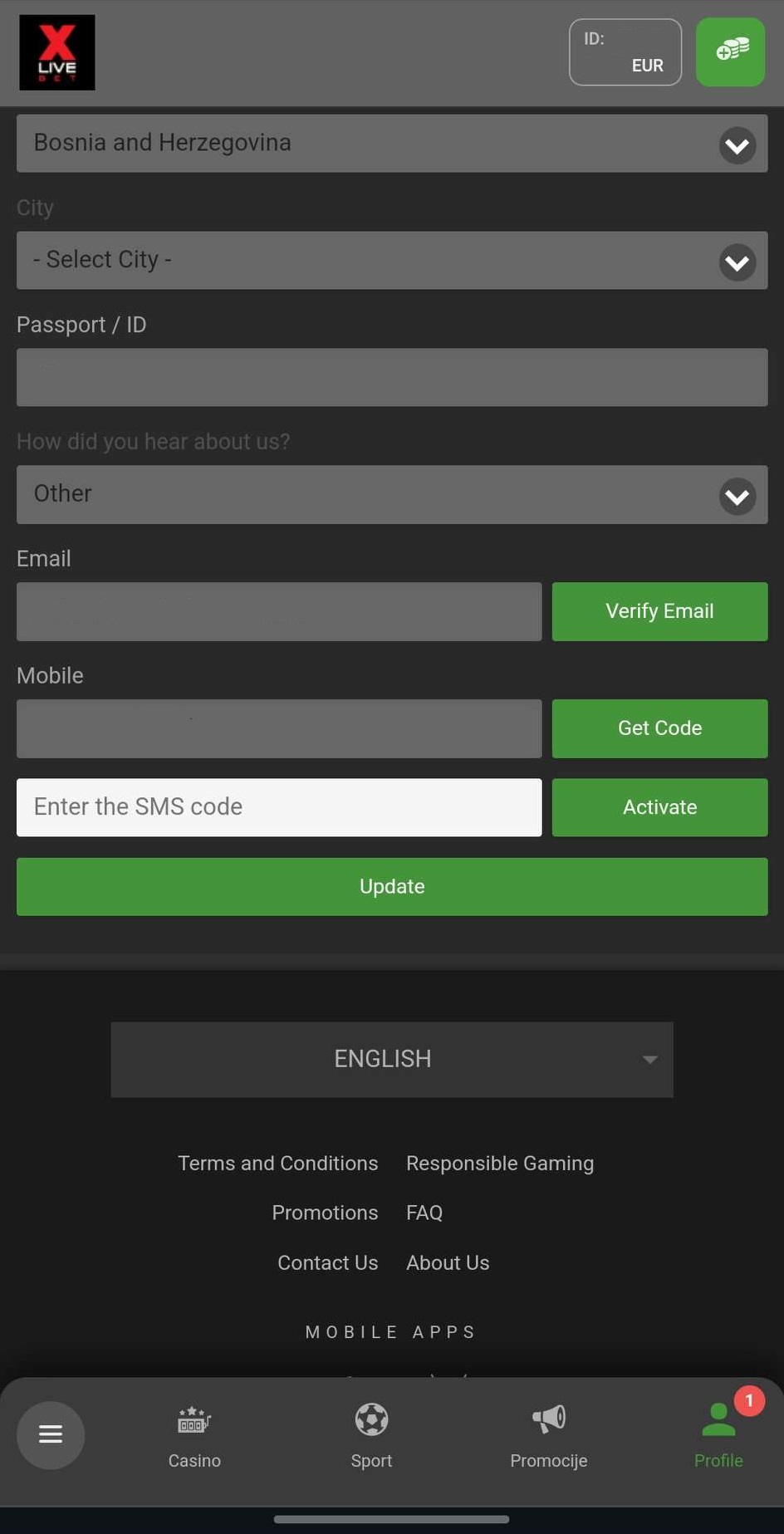
Press the "Send" button, and you will receive a message on your phone with a code that you need to enter in the field below. After that, press the "Activate" button. And your phone number will be verified. Note: Wait a few minutes for the code to arrive. If we click on "Send" too many times, your number will be blocked automatically for 24 hours.
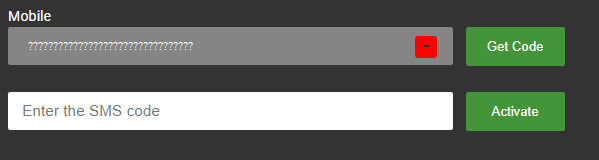
Click the "Send" button, you will receive a message on your phone with a code that you need to enter in the field below. After that, press the "Activate" button. And your phone number will be verified. Note: Wait a few minutes for the code to arrive. If we click on "Send" too many times, your number will be blocked automatically for 24 hours.
Click on the login button in the upper right corner.
Click the login button in the upper right corner.
Fill in your information and press "Register".
Fill in your information and click "LOG IN".
Click on the "Profile" button in the lower right corner.
Click on your ID in the upper right corner.
Select the "Account" option and select the "My Profile" option from the drop-down menu.
Click on the "My Profile" field.
Press the "Verify Email" button, you will receive an email with a link when you click on it. Your email will be verified. Note: Make sure your e-mail is not in "Spam".

Click on the "Verify Email" button, you will receive an email with a link when you click on it. Your email will be verified. Note: Make sure your e-mail is not in "Spam".
Click on the login button in the upper right corner.
Click the login button in the upper right corner.
Fill in your information and press "Log In".
Fill in your information and click "LOG IN".
Click on the "Profile" button in the lower right corner.
Click on your ID in the upper right corner.
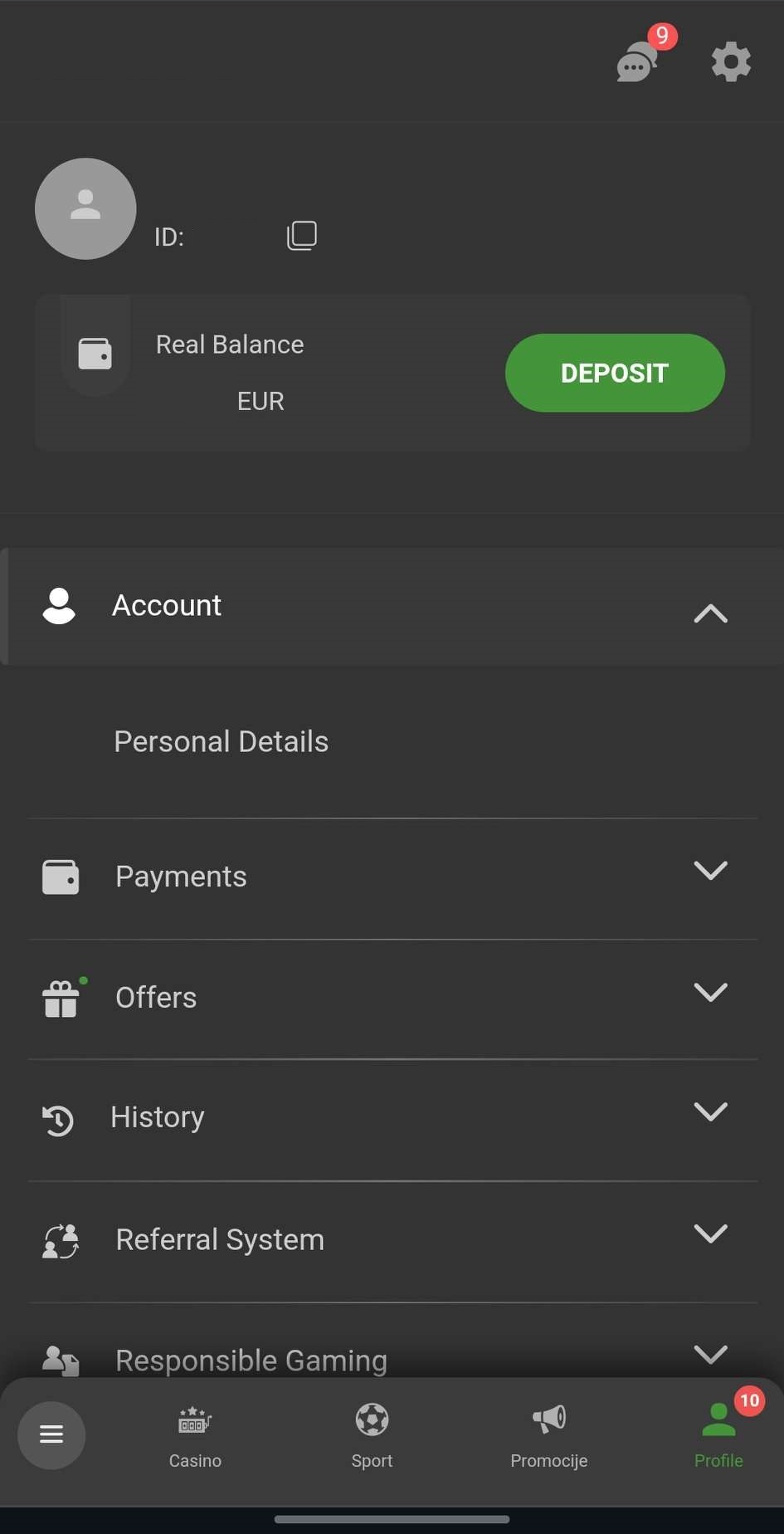
Select the "Account" option and select the "Personal Details" option from the drop-down menu.
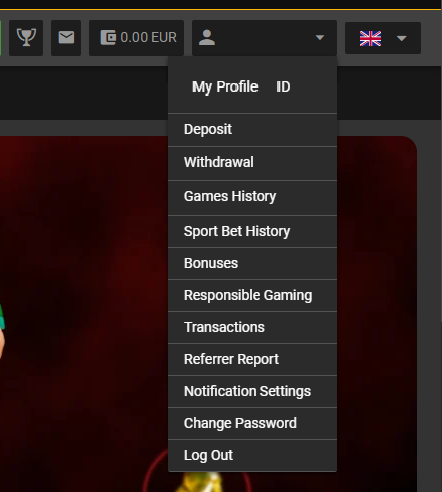
Click on the "My Profile ID" field.
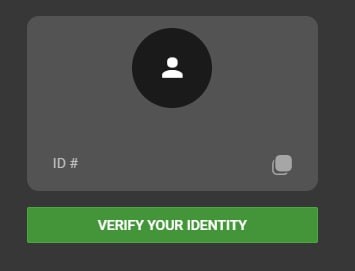
Click the "Verify your identity" button.
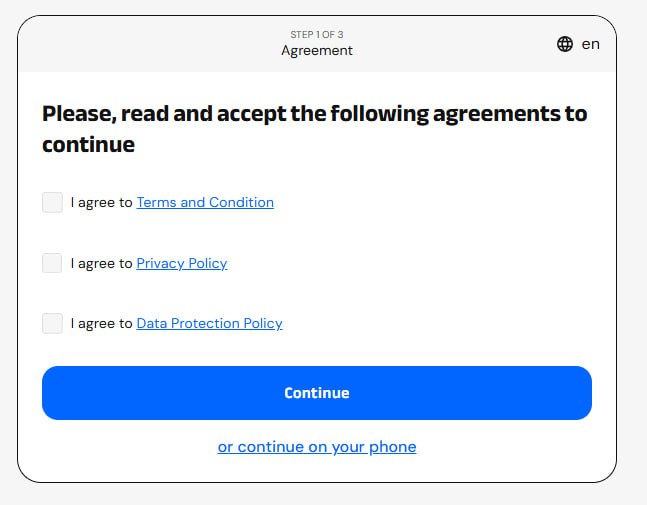
Check all the boxes and click the "Continue" button.
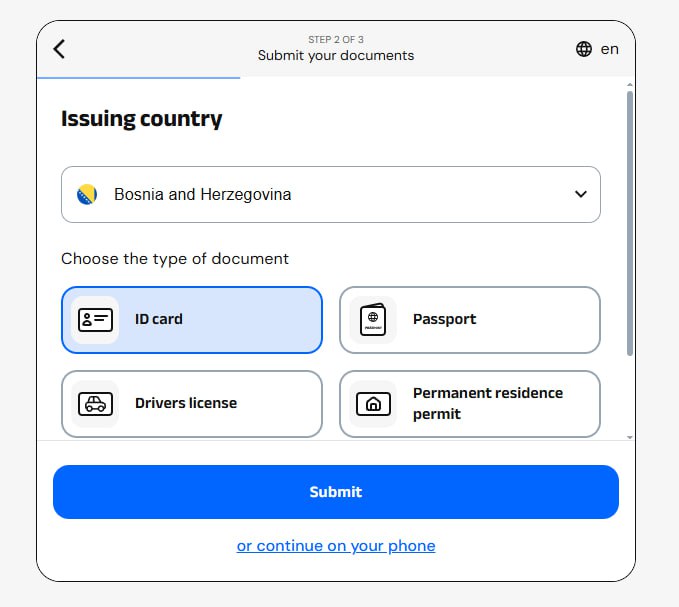
Select the desired document and click the "Submit" button.
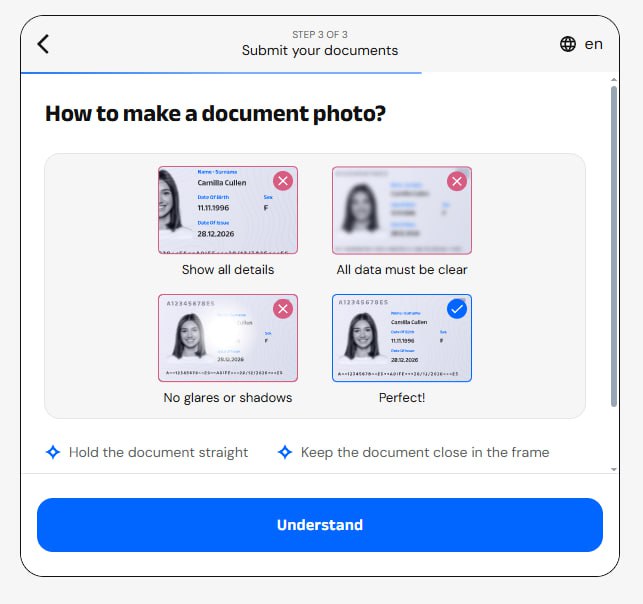
Read the instructions on how to take a picture of your personal document and click the "Understand" button.
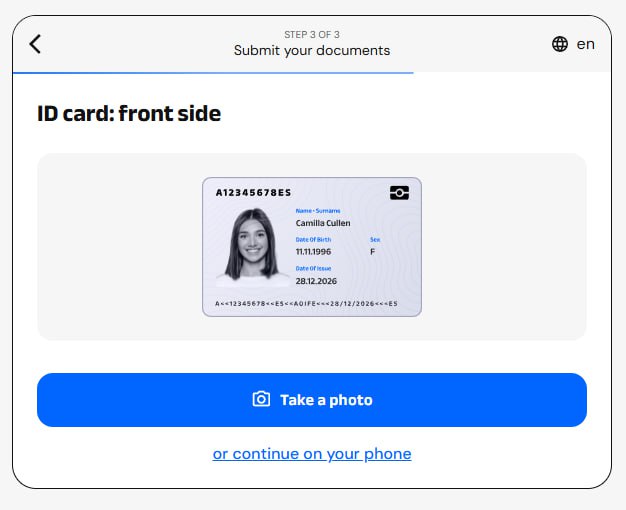
Click the "Take a picture" button.
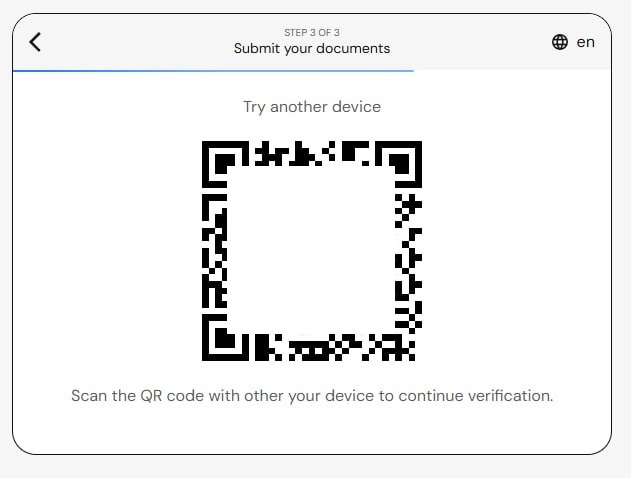
You need to scan the QR code with your mobile device and continue verification via phone.
Click on the "Verify your identity" button.
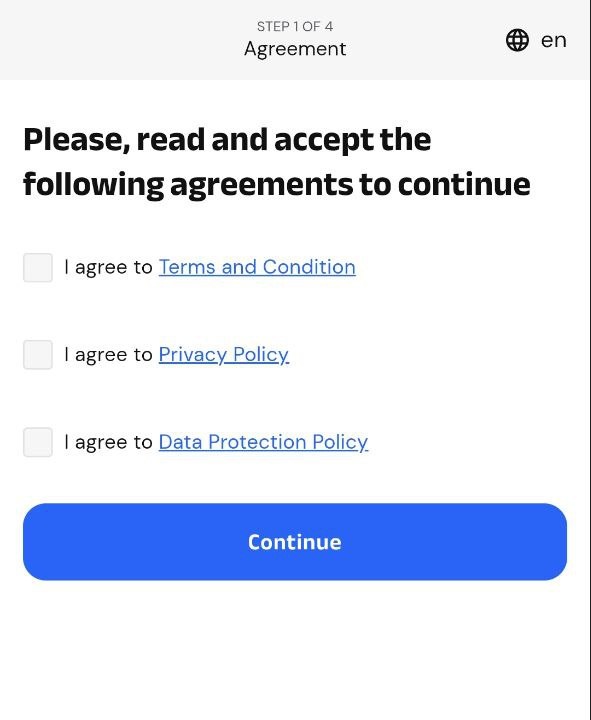
Check all the boxes and click the "Continue" button.
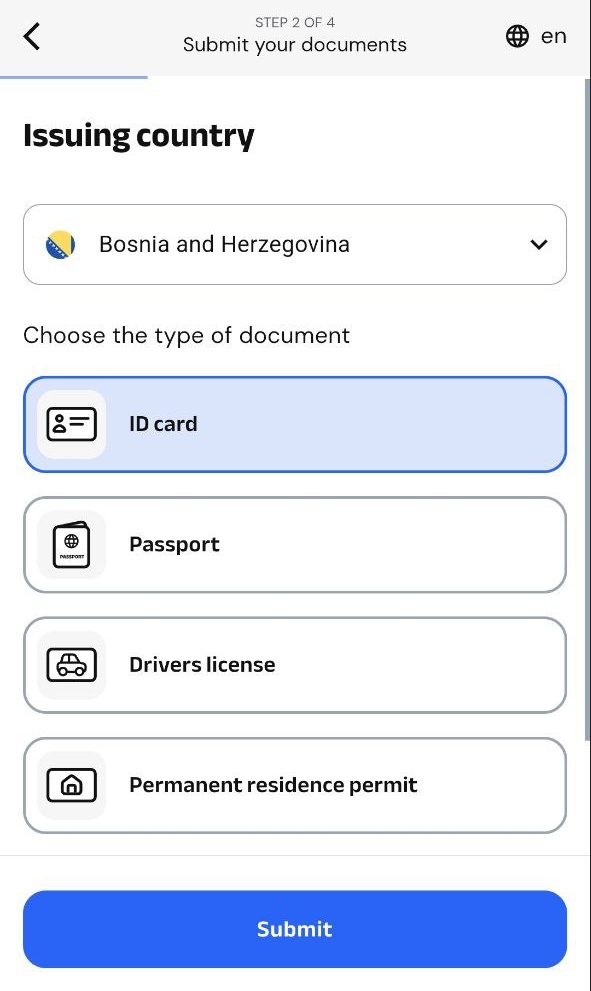
Select the desired document and press the "Submit" button.
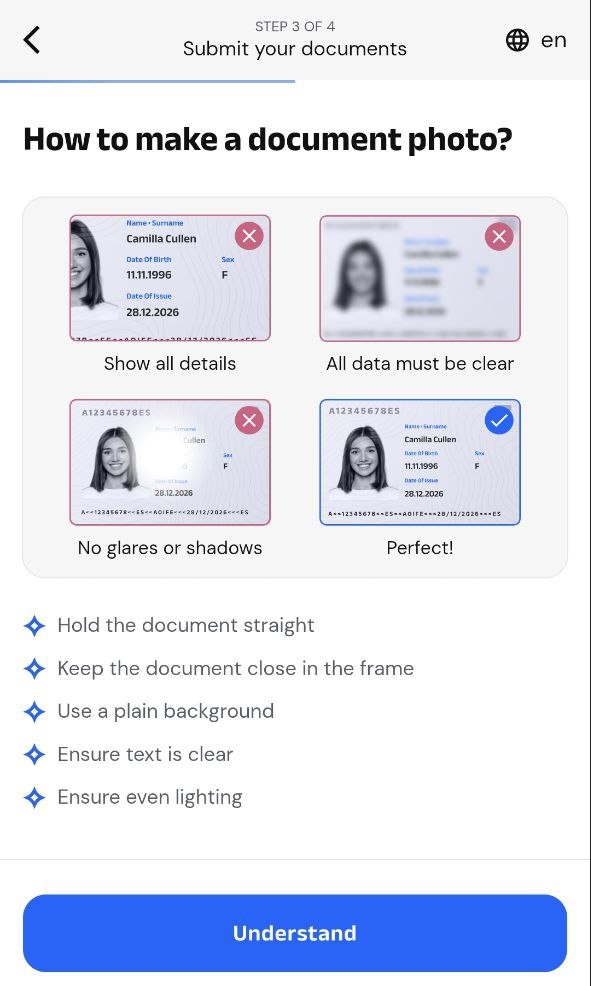
Read the instructions on how to take a picture of your personal document and click the "Understand" button.
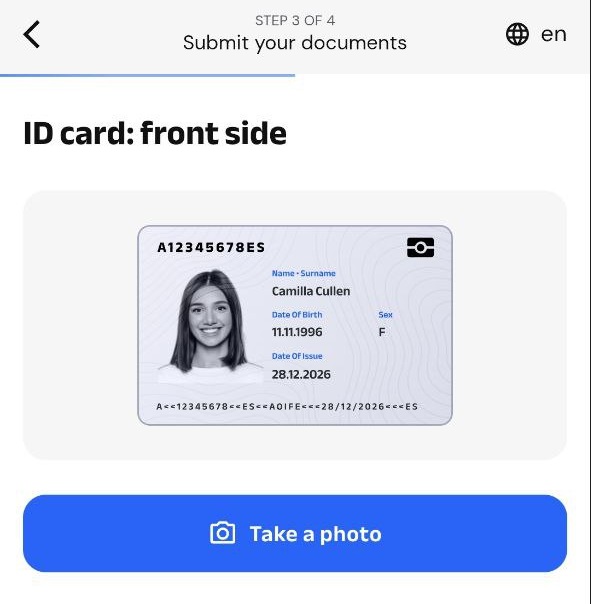
Press the "Take a picture" button.
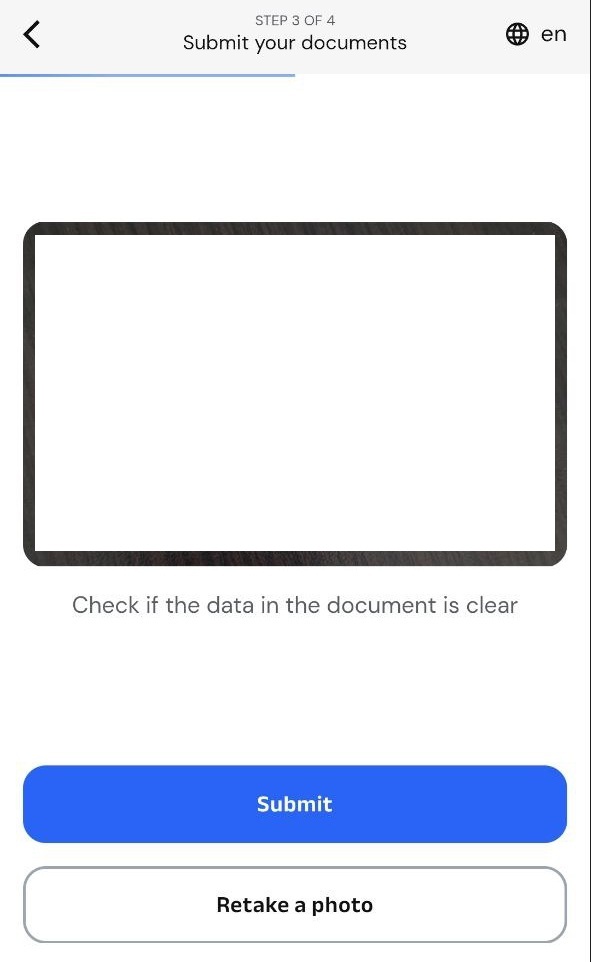
Take a picture of the front of your personal document and click the "Submit" button or "Retake a photo" if the picture is blurry.
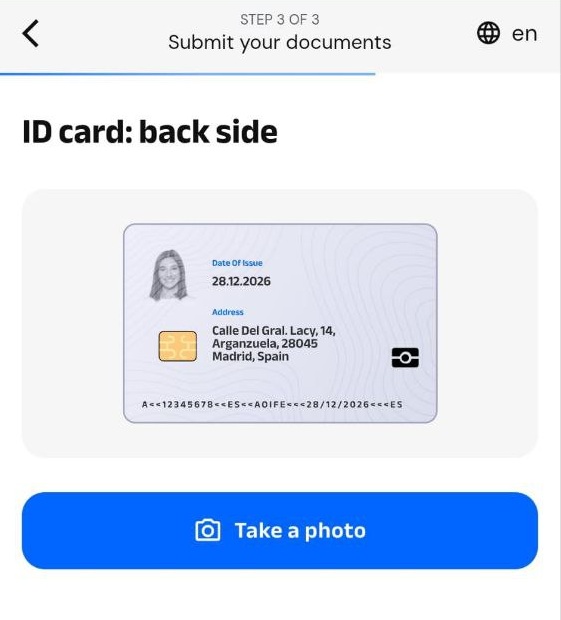
Press the "Take a picture" button.
Take a picture of the back of your personal document and click the "Submit" button or "Retake a photo" if the picture is blurry.
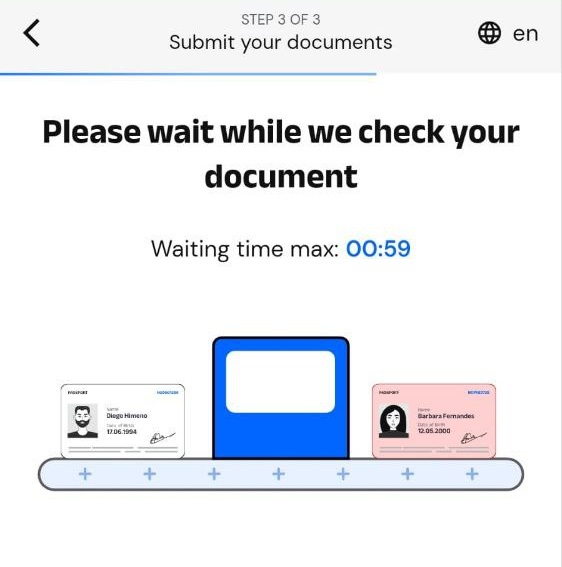
After that, your personal document will be verified.
Note:
- The player has the option to verify their personal document once.
- If the player fails to verify their personal document, they need to contact [email protected]!